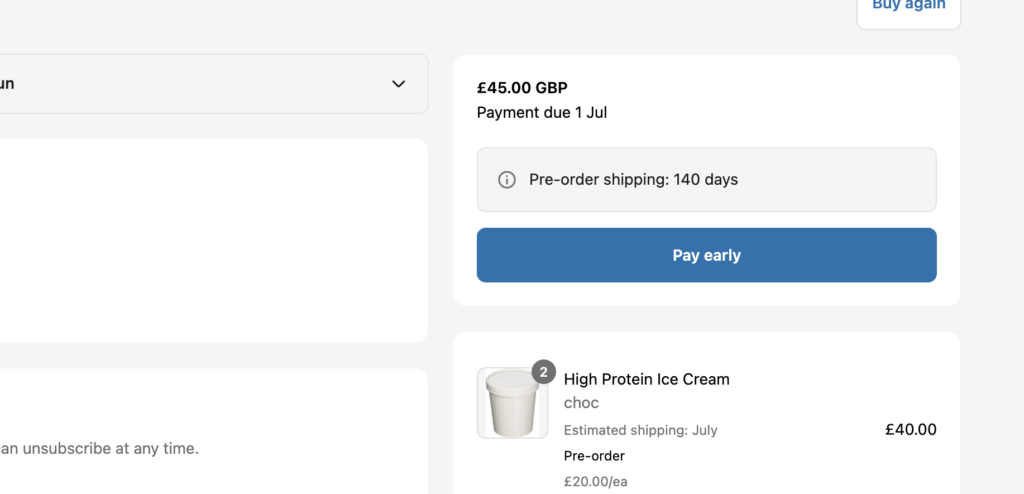
PreProduct offers a customer portal where customers can check on their pre-order. For Shopify stores, the customer portal will exist at www.mysite.com/apps/preorder_portal for other platforms, it’s better to solely rely on the links generated by the PreProduct app.
Customer portal links #
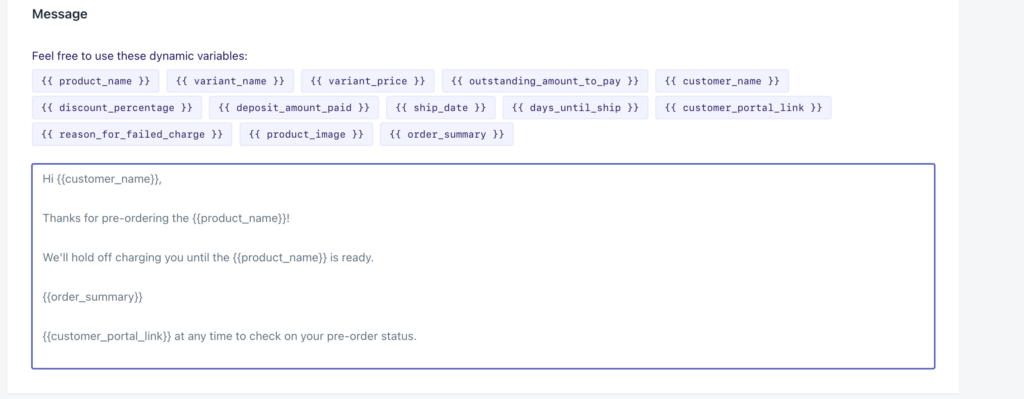
You can include a link to the customer portal in any of your PreProduct email templates using the {{ customer_portal_link }} variable.
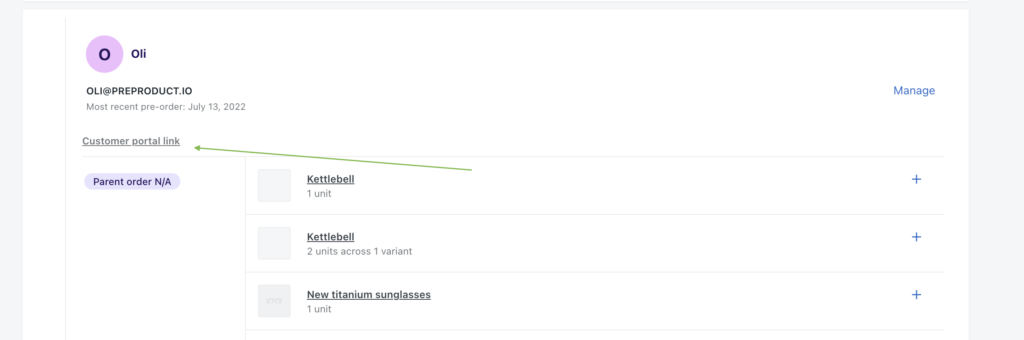
You can find a customer’s specific portal link by locating their card in the customers or listing screen of PreProduct (“customer portal link” in the screenshot below)
Customer portal features #
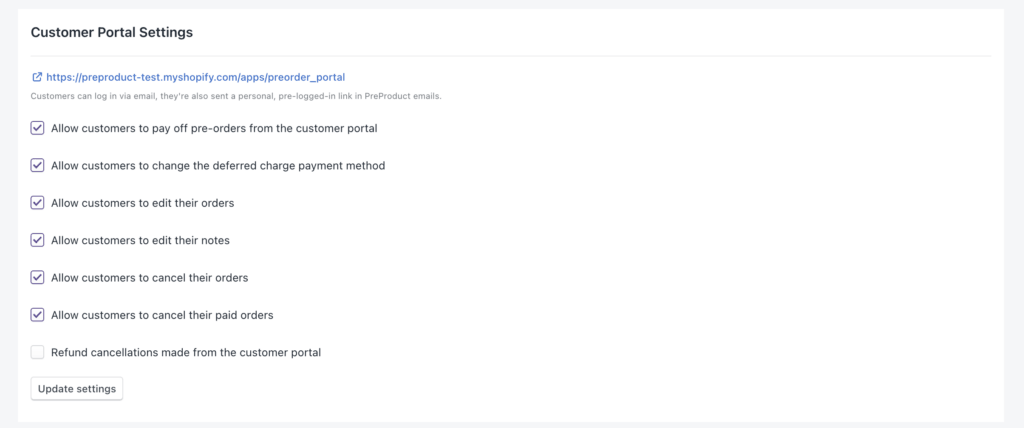
You can enable/disable any of the following customer portal features from PreProduct’s Setup screen, under the Customer Portal Settings heading.
- Customers can view their pre-orders
- Customers can view the most recent shipping statement
- Customers can view any in-progress multi-step payment plans
- Customers can update the notes on their order
- Customers can cancel their own pre-order
- Customers can update their pre-order’s variant quantities.
- Customers can view capture-only pre-order payment links, once payment emails have been triggered from PreProduct.
- Unpaid deferred-charge pre-orders show a ‘Update Payment Method’ option which will send an email to the email address linked to that pre-order.
- Unpaid deferred-charge pre-orders show a ‘Pay Now’ option which links customers to checkout to pay off the pre-order early. Don’t worry, fulfilment won’t be released until you trigger it from PreProduct.

The customer portal’s header and logo inherit from your settings in PreProduct’s “setup” screen. The portal is translated automatically to the customers language.
Shopify order status page extension #
PreProduct supports a Shopify order status page extension that can be added from the Shopify Customize editor. All text is customisable and localised by default. Features include:
- Display the order’s pre-order shipping statement
- (Optional) Display a “pay early” button where customers can choose to charge the card on file or a different one